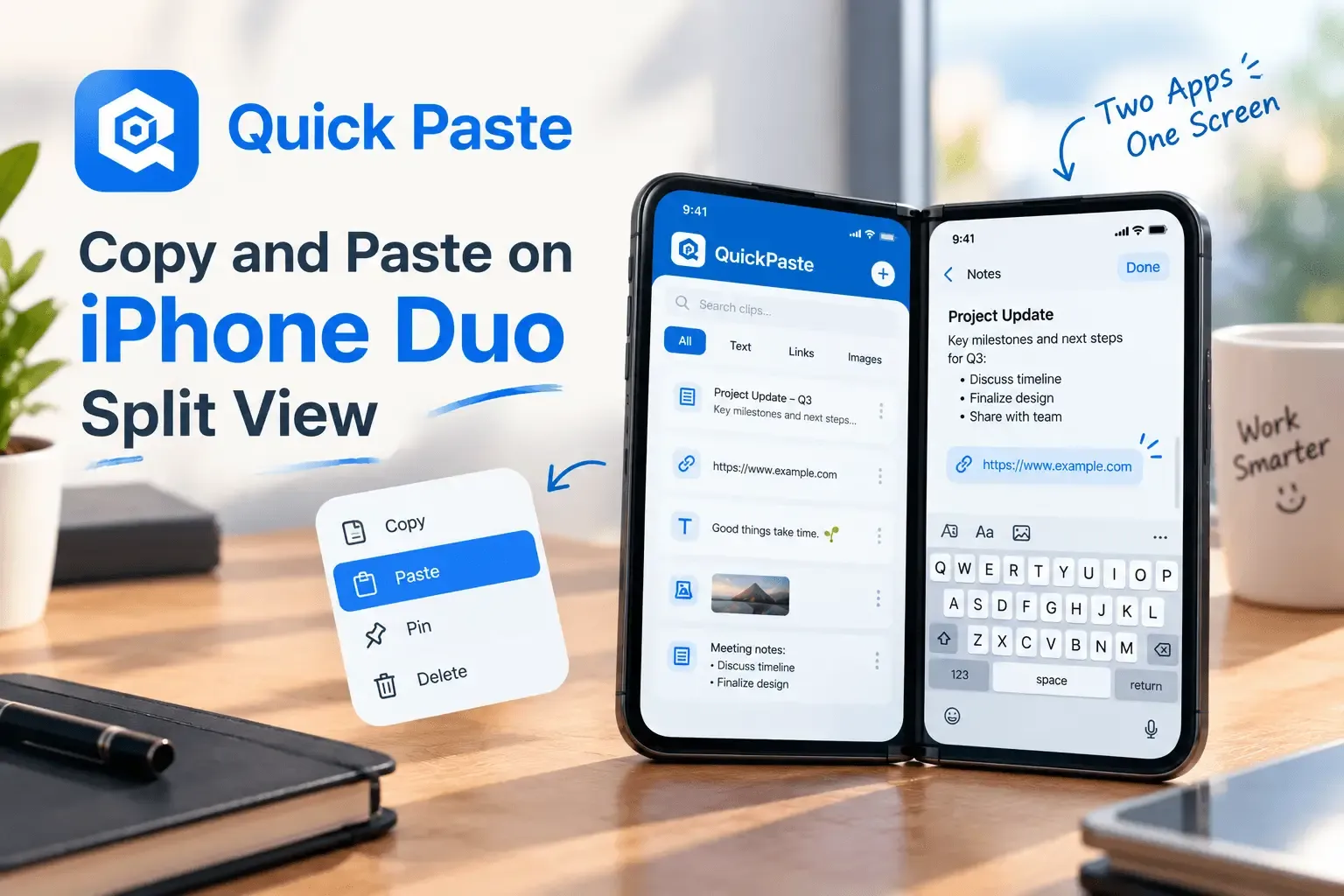
iPhone Duo's headline software feature, Split View, runs two apps side by side on its 7.6-inch inner display for the first time on any iPhone — comparing two Safari tabs while shopping, or referencing one app while typing into another. That's a genuinely useful way to work, and it's also exactly the kind of workflow where iPhone's decades-old, single-item clipboard starts to show its limits.
What Split View on iPhone Duo Actually Does
Announced alongside iPhone 18 Pro and iPhone 18 Pro Max at Apple's September 9 event, iPhone Duo is Apple's first foldable iPhone, with a 5.4-inch outer display and a 7.6-inch inner display. According to MacRumors' coverage of Apple's own developer materials, Split View lets users run two separate apps at once, or open two windows of the same app — Safari is Apple's own example, useful for comparison shopping across two pages side by side. App pairs can be saved and reopened later, and a swipe-up gesture switches between them.
As Engadget describes it, the extra screen space makes it possible to "reference info in one app while inputting it in another" — which is, functionally, a copy-and-paste workflow running constantly between two open apps rather than the occasional single copy iPhone was designed around.
Some early coverage also describes dragging content directly between the two Split View panes. Apple's own materials describe Split View only as two apps running side by side without officially detailing drag-and-drop specifically — worth treating that particular claim as reported rather than confirmed until review units are out.
Where This Runs Into iPhone's Clipboard Limit
Comparison shopping across two Safari windows is the clearest example: check the price and specs in the left pane, switch to the right pane to note it down, then go back to the left pane to check a second product. By the time you've copied the second product's price, the first one is already gone from the clipboard — there's still only one clipboard slot, no matter how many panes are open on screen.
The same pattern shows up anywhere Split View is genuinely useful: referencing a document while filling out a form, checking a spec sheet while writing an email, comparing two sets of information side by side. Split View doubles how much you can see. It doesn't change how much iPhone's clipboard can hold.
How a Clipboard Manager Fits Into Split View Workflows
This is a case where a clipboard manager's basic job — saving every copy instead of just the last one — matters more as the screen gets more capable, not less. QuickPaste keeps a full, searchable history of everything copied in either pane, so comparing three products across saved Split View app pairs means three sets of details still available to paste, not just the most recent one. Pinboards work well here too — save the specs or line items you're actively comparing to one board, and they stay one tap away regardless of which side of the screen you're working in.
What to Expect on Day One
iPhone Duo ships with iOS 27.1 on October 23, with pre-orders opening October 16. As a standard App Store app, QuickPaste's paste keyboard should work the same way inside either Split View pane as it does in any single-app view today — Split View runs two full apps, not a stripped-down mode, so there's no obvious reason it wouldn't. That said, nobody outside Apple has used the shipping software yet, and it's worth confirming firsthand once review units are available rather than assuming.
Frequently Asked Questions
Does copy and paste work in Split View on iPhone Duo?
Copy and paste is expected to work the standard way within each app in Split View, since both panes run full apps rather than a limited mode. The clipboard itself remains shared and single-item across the whole device, the same as on any other iPhone.
Can you drag and drop between apps on iPhone Duo?
Some early coverage describes this, but Apple's own announcement materials describe Split View only as running two apps side by side without officially detailing drag-and-drop specifically. This will be clearer once review units are out.
When does iPhone Duo release?
Pre-orders open October 16, 2026, with availability starting October 23, 2026.
Will QuickPaste work on iPhone Duo?
QuickPaste is a standard App Store app and is expected to function normally on iPhone Duo, including within Split View. This will be confirmed directly once the device ships.
The Short Version
Split View is the first real reason an iPhone screen has felt too small for how people actually want to work — two apps, side by side, constantly referencing one against the other. That's a workflow built on repeated copying, and iPhone's clipboard still only remembers the last thing you copied. QuickPaste is built for exactly that gap.
For more on how the clipboard behaves across devices generally, see How to Copy and Paste Between iPhone and Mac, and for what else is changing in iOS 27, see iOS 27's New Paste Shortcut: What It Actually Changes on iPhone.