iOS 27's New Paste Shortcut: What It Actually Changes on iPhone
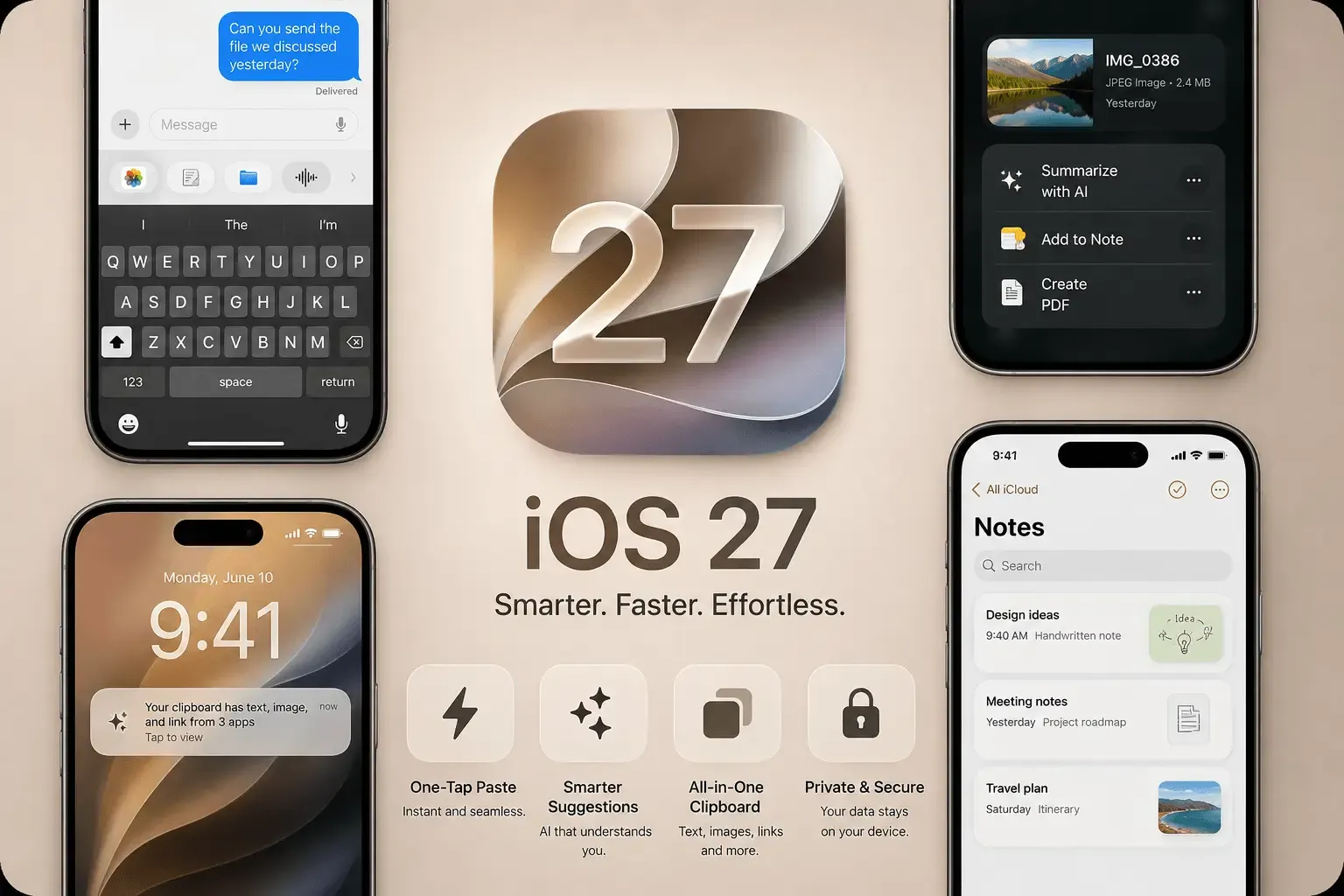
iOS 27 adds a one-tap paste suggestion directly above the keyboard, so copying something in one app and dropping it into another no longer requires a long-press and a menu. It's a genuine, well-reviewed improvement — and it changes less than it might seem. The new button still only ever holds the single most recent thing you copied, the same limitation the iPhone clipboard has always had.
What's New in iOS 27's Keyboard
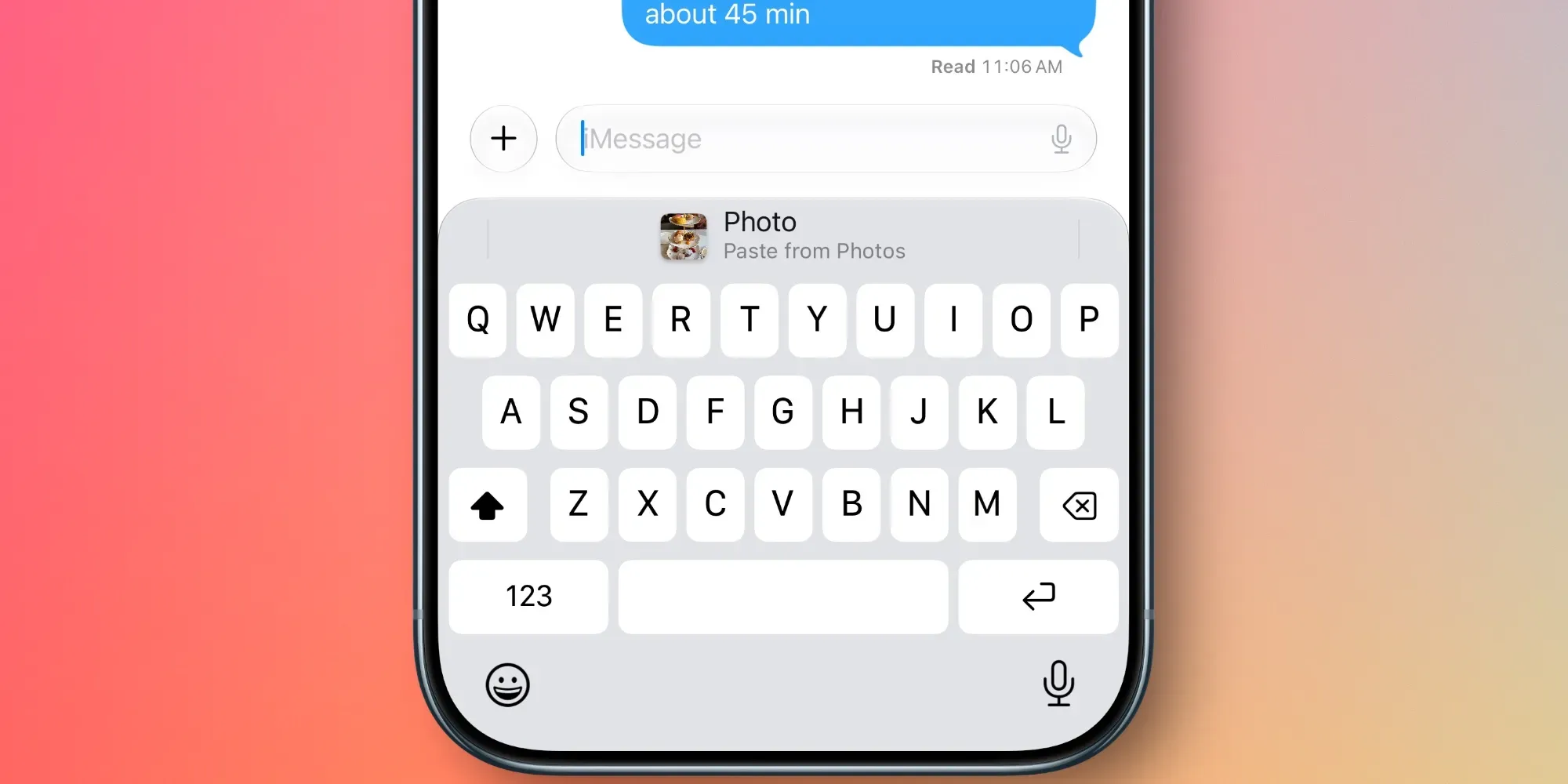
When you copy text, a link, or an image in one app and switch to another, the keyboard now shows a labeled paste suggestion — "Paste from Safari," for instance — in the same strip where word suggestions normally appear. Tap it and the content drops directly into the field you're in, no long-press or menu required. It works for screenshots too, which several early reviews have singled out as a genuinely useful addition.
Apple didn't showcase this at the WWDC 2026 keynote — it surfaced afterward, in beta coverage from outlets including Macworld and 9to5Mac. As of this writing, iOS 27 is in public beta, with general release expected in September alongside Apple's next iPhone lineup.
What It Doesn't Change
The new button is a faster way to reach the same single-item clipboard iPhone has always had — it's an interface improvement, not a structural one. A few things stay exactly the same:
- Still one item only. Copy something new and the suggestion updates to that instead — whatever you had copied before is gone, same as always.
- No history to search. There's nothing to scroll back through if you copied several things earlier and need one from a few steps ago.
- No security layer. The suggestion surfaces whatever's on your clipboard automatically, including anything sensitive, with no way to lock an individual item.
- No organization. There's no way to save, label, or pin something for reuse later — once you copy again, it's simply gone.
Where This Still Falls Short in Practice
A few everyday situations where the new button doesn't close the gap:
- Burst copying — grabbing a phone number, then a link, then an address in quick succession. The button only ever offers the last one.
- Reusing something from earlier in the day — a template, a code snippet, an address you copied this morning and need again this afternoon.
- Moving from Mac to iPhone — the keyboard suggestion is local to whatever you most recently copied on that specific device.
- Anything sensitive — a password or account number sitting in an unsecured suggestion is a different risk profile than one locked behind Face ID.
How QuickPaste Fits Alongside It
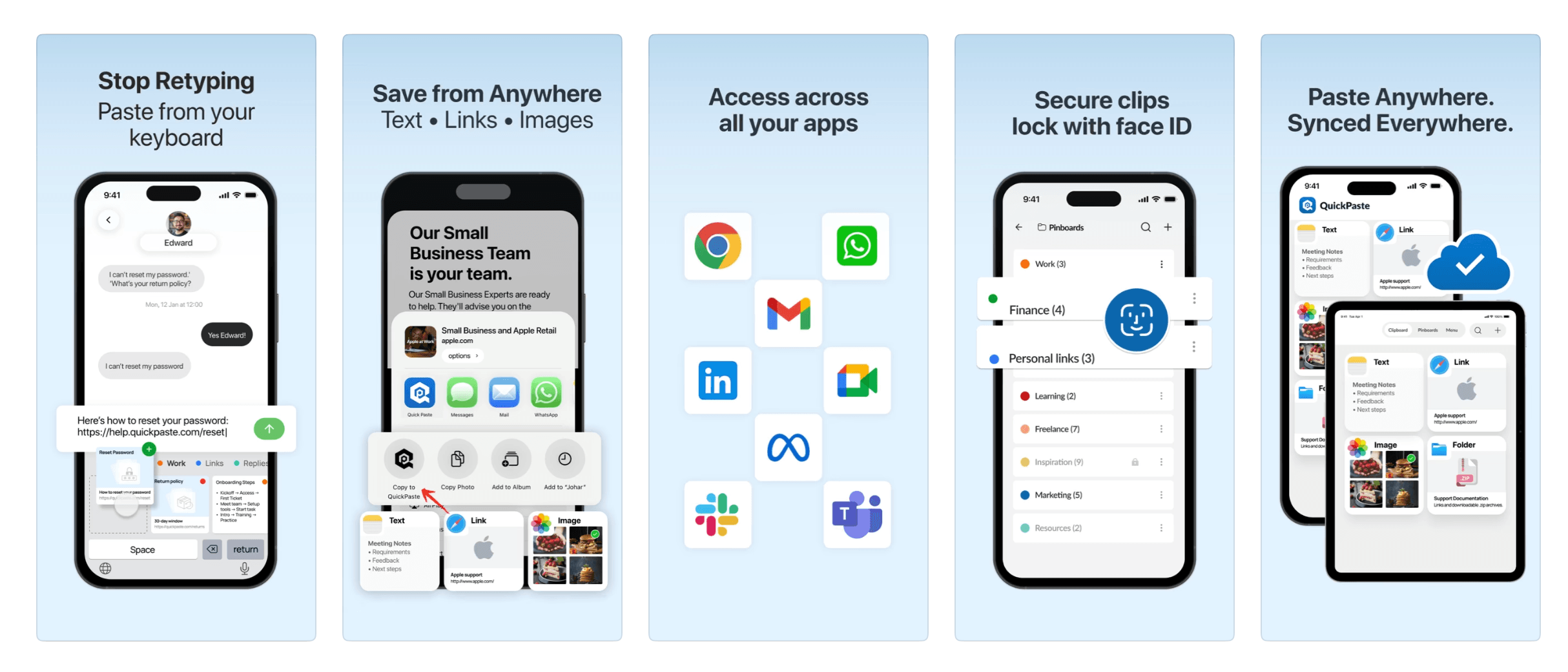
These two aren't competing for the same job. iOS 27's paste suggestion is genuinely the fastest way to reuse your very last copy — nothing beats a one-tap suggestion for that specific case. QuickPaste covers everything the new button doesn't: a full searchable history, organized pinboards for things you reuse constantly, sync across iPhone, iPad, and Mac, and Face ID protection on individual items rather than none at all. Use the native suggestion for your last copy, and QuickPaste's paste keyboard for everything before that.
Frequently Asked Questions
Does iOS 27 replace the need for a clipboard manager?
No. It speeds up reusing your single most recent copy, but it doesn't add history, search, organization, or per-item security — all of which a dedicated clipboard manager still provides.
When is iOS 27 releasing?
iOS 27 is in public beta as of mid-2026, with general release expected in September 2026 alongside Apple's usual fall software rollout.
Is content shown in the new paste suggestion secure?
It surfaces whatever is currently on your clipboard automatically, with no lock or authentication step — the same exposure the clipboard has always had, just presented more visibly. For anything sensitive, a clipboard manager with per-item Face ID locking offers meaningfully more protection.
Will QuickPaste's paste keyboard still work after iOS 27 releases?
Yes — QuickPaste's keyboard extension is a separate, independent feature from Apple's native suggestion, and both can be used side by side without conflict.
The Short Version
iOS 27 makes pasting your last copy faster, and that's worth using. It doesn't touch the bigger limitation — one item, no history, no security — that's been true of iPhone's clipboard from the start. QuickPaste is built for everything past that one item.
For more on setting up QuickPaste's keyboard alongside the native one, see How to Add Clipboard on iPhone Keyboard, and if you've ever lost something you copied before you could paste it, see Why Does My Copied Text Disappear on iPhone?.