Usually one of three things: you copied something else without realizing it, you're mixing up your local clipboard with Universal Clipboard (which is designed to expire quickly by nature), or an app you were using cleared it on purpose. None of these mean your iPhone is broken — but the underlying cause of each is worth understanding, because only one of them has a real fix.
The Most Common Cause: You Copied Something Else
iPhone's clipboard holds exactly one item. If you copy a second thing — even briefly, even by accident, like a stray tap that selects and copies different text — whatever you had copied before is gone immediately, with no warning and no way to recover it. This is the single most common explanation, and it's easy to miss because the second copy doesn't always feel deliberate: autocorrect suggestions, double-tap text selection, and even some keyboard shortcuts can trigger a copy without you noticing.
Confusing Universal Clipboard With Your Regular Clipboard
This is the source of a lot of the confusion. Apple's own support documentation for Universal Clipboard states directly that once you copy something, "it's available on your Clipboard for a short amount of time" when Universal Clipboard is involved meaning content copied on one device and intended for pasting on another (your Mac or iPad) is only briefly available across devices by design, not indefinitely.
If your iPhone, iPad, and Mac are all signed into the same Apple Account with Handoff, Wi-Fi, and Bluetooth on, they're constantly eligible for this cross-device behavior — which means what feels like your local clipboard "expiring" may actually be a Universal Clipboard handoff behaving exactly as designed, on a device you weren't even trying to paste to.
Apps That Clear the Clipboard for Privacy Reasons
Some apps that handle sensitive information — password managers and one-time-code generators, in particular are built to actively clear anything they placed on the clipboard after a short delay, specifically so a copied password or code doesn't sit there indefinitely where another app could read it. If the text you lost was copied from or into an app like that, this is very likely the explanation, and it's a deliberate security choice rather than a bug.
A Restart or App Refresh Cleared It
Restarting your iPhone clears the clipboard completely — expected behavior, not a glitch. Less obviously, iOS aggressively manages background apps to save memory, and in some cases a backgrounded app being refreshed or terminated by the system can affect clipboard content associated with it, though this is inconsistent and hard to reproduce on demand.
Is There Actually a Time Limit on the Local Clipboard?
This is the part worth being precise about. Apple officially documents a short expiration only for Universal Clipboard, the cross-device feature. A fixed time limit on your local, same-device clipboard — the "it disappears after 20 minutes" experience widely reported across years of Apple Community threads — isn't something Apple has publicly documented or confirmed as intentional behavior. It's a real, consistently reported symptom, but the most likely explanation in most individual cases is one of the causes above rather than a universal, built-in timer.
Read Also: How to Add Clipboard on iPhone Keyboard
The Actual Fix: Don't Rely on a Single-Item Clipboard
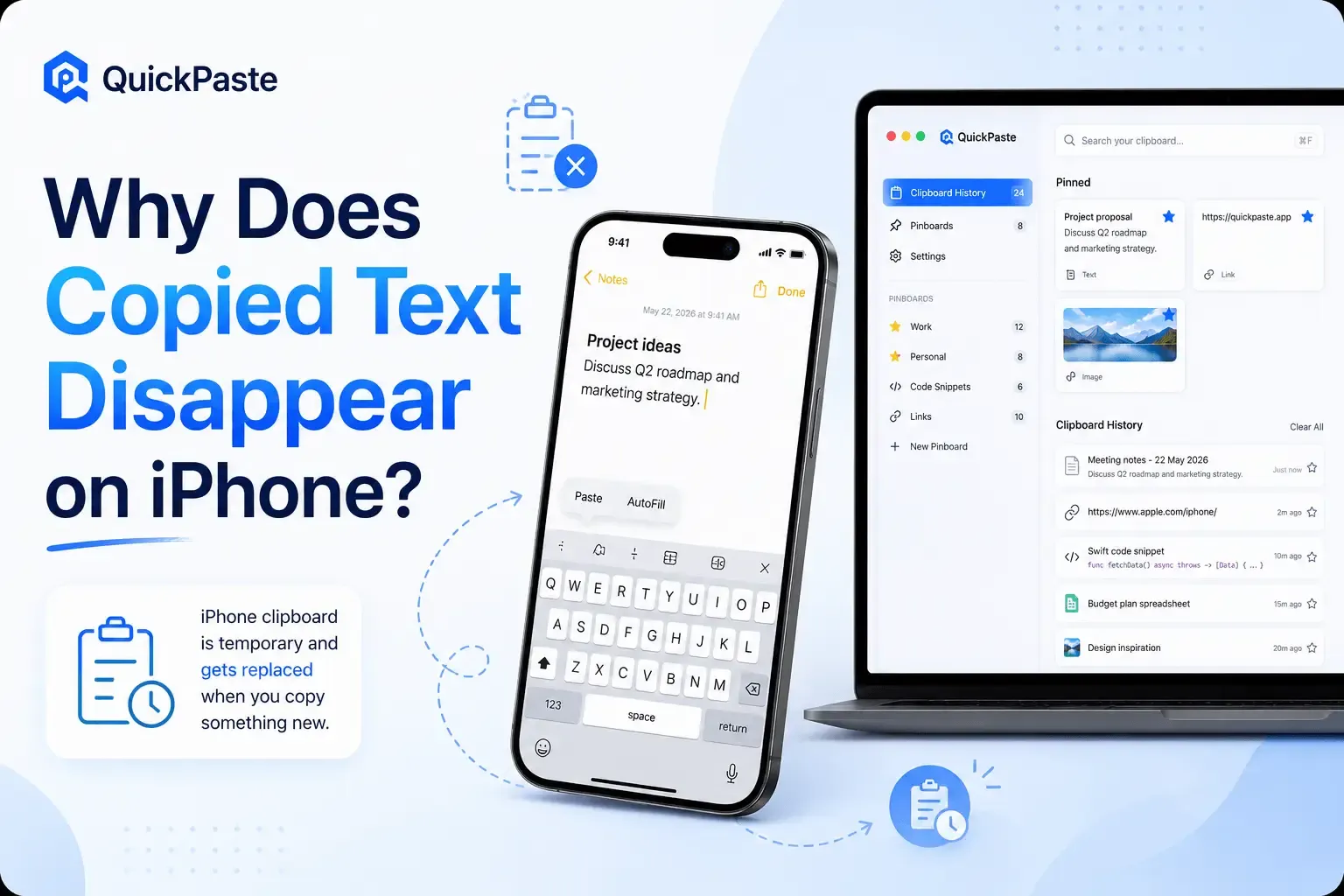
Every cause above shares the same root problem: iPhone's native clipboard holds one thing, with nothing saved anywhere the moment it's overwritten, cleared, or expired. A clipboard manager solves this structurally rather than case by case — QuickPaste saves every item you copy into a persistent history the moment you copy it, so even if the system clipboard itself gets overwritten or cleared a minute later, your copy is already safely stored and searchable.
- Download QuickPaste free from the App Store.
- Turn on automatic clipboard capture so every copy is saved the instant it happens.
- Use the paste keyboard to pull anything back from history, even something you copied several apps ago.
- Pin anything you'll need repeatedly so it's never at risk of being overwritten by your next copy.
Frequently Asked Questions
Does iPhone's clipboard have a time limit?
Officially, only Universal Clipboard (cross-device content) is documented as short-lived by Apple. There's no confirmed, publicly documented time limit on your local, same-device clipboard, even though many users consistently report content disappearing after several minutes.
Why does my copied text disappear when I switch apps?
Most often because the app you switched to is one that deliberately clears clipboard content for privacy, such as a password manager, or because something was copied in the new app without you noticing.
Can I recover something that disappeared from my clipboard?
Not from the native clipboard — once it's overwritten or cleared, it's gone with no recovery option. This is exactly what a clipboard manager like QuickPaste prevents going forward, since it saves a copy of everything the moment you copy it, separate from what happens to the system clipboard afterward.
Is losing clipboard content a sign something is wrong with my iPhone?
Not usually. It's almost always one of the causes above rather than a hardware or software problem — restarting your phone, checking whether Universal Clipboard is active, or noticing which app you were using at the time will usually explain it.
The Short Version
Copied text disappearing on iPhone is almost always explained by one of four things: a second, unnoticed copy; Universal Clipboard's short cross-device window; an app clearing it on purpose; or a restart. None of them are fixable by changing a setting, because the underlying design — one clipboard slot, no history — is the same for everyone. QuickPaste removes the problem entirely by saving everything the moment you copy it.
For more on the native clipboard's limits, see How to Find Copied Text on iPhone, and if you're new to clipboard managers generally, start with What Is a Clipboard Manager and Why You Need One.
Want to learn more? Click here: QuickPaste Guide